Download the templates
Attendance log CSV: one row per student per class, with date, program, session, attendance status and notes.
Class-pack tracker CSV: one row per member and pack, with purchased credits, used credits, adjustments and balance.
Set up the sheet
- Import the CSV into a new Excel workbook or Google Sheet and freeze the first row. Save in the app’s native format if you add formulas or validation.
- Use a stable member ID rather than a name alone. Add one attendance row for each class a member attends.
- Keep attendance status consistent: Present, Absent or Cancelled. Filter by date and program to review visits.
- For packs, remaining credits equal credits purchased minus credits used plus adjustments. Record the reason for every adjustment.
- Store the sheet privately, give access only to staff who need it, and keep a backup. Do not add card numbers or sensitive medical information.
When the spreadsheet becomes the job
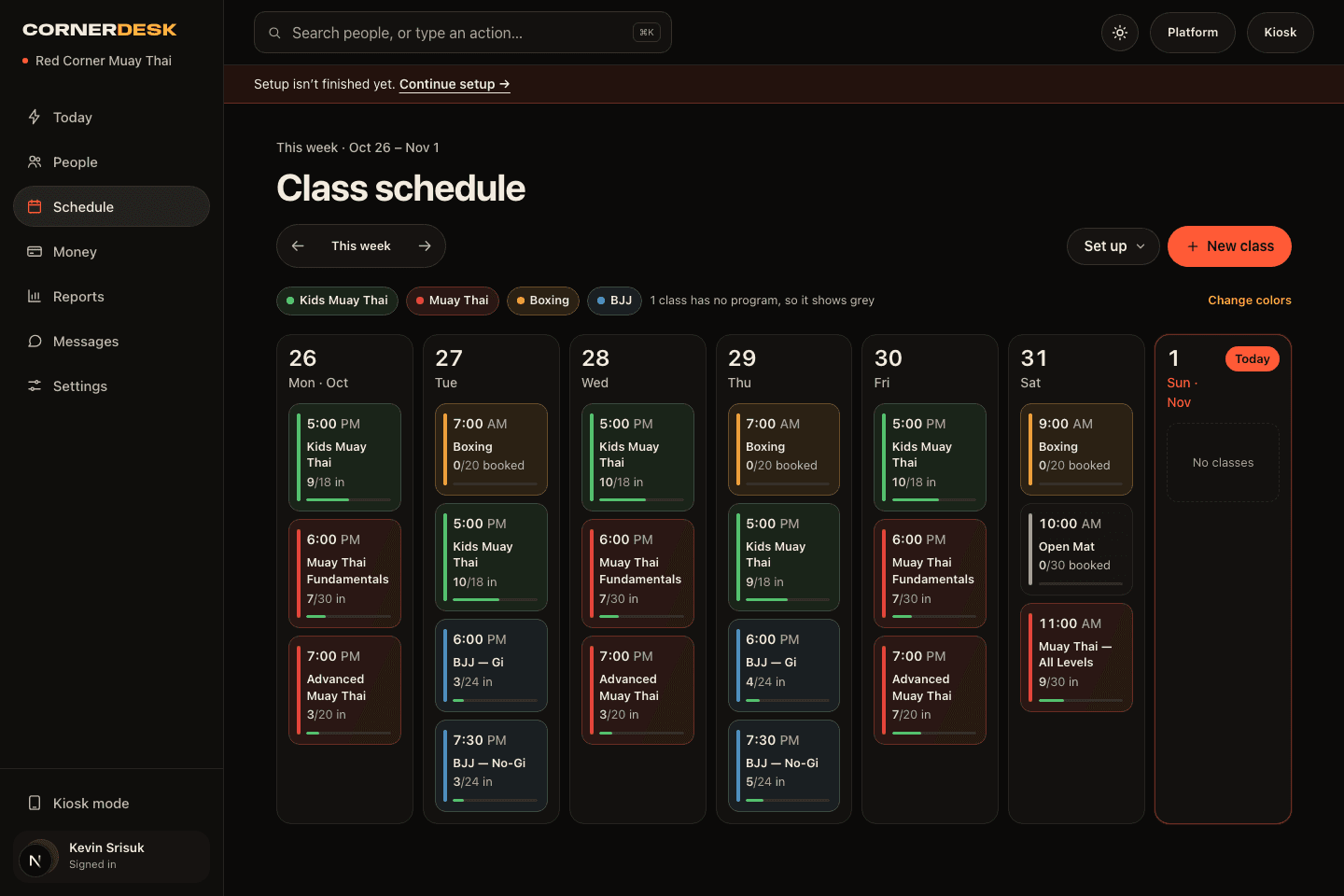
A sheet can work for a small class. Move to a connected system when staff duplicate attendance, lose track of pack balances or need booking and billing in the same place. CornerDesk records check-in, counts pack usage and puts follow-ups on Today.
See check-in and attendance, drop-ins and class packs, and the gym software cost calculator.